Faceless 2D Animation with AI for a 40-Second Format
A 4.92 million subscriber channel is enough to show why 2D animation still works on YouTube. The format is built on family tension, school, college, childhood memories, and short twists that fit into 40 seconds.
That same style used to depend on animation professionals. Today, the workflow can start with ChatGPT, move through scene prompts, and end in Fliki or Google Flow, with daily free credits and automation handling the repetitive parts.
Start with channels that already prove the niche
The first step is not writing a script. It is checking whether the format already has an audience. In the material, the channel research surfaced big channels in the same cartoon style, including one with 10 million subscribers, another with 5 million, and another with 3 million. That is the kind of evidence that tells you the niche is alive before you spend time on production.
A useful detail from that research is the age of the reference channel. The Google account dates from 2017, and the oldest videos appear to be from before late 2022 and 2023, when AI video tools were not part of the workflow. The content came from real animation teams, which makes it a clean target for AI modeling instead of random guesswork.
Use the channel structure to shape the prompt
Once the reference channel is clear, the prompt needs to reflect its real structure. The channel studied in the material has 46 videos and focuses on relatable situations, family conflicts, school, college, adolescence, childhood memories, and episodic series like Scary in High School. That mix matters because it changes the subject line of the prompt and the kind of scenes you ask for.
The material also shows a simple rule for the scene board. Start with 1, 2, or 5 easy-to-recognize premises, keep the scale quick, and end with a clear twist that fits into 40 seconds. That gives you a format that is easier to repeat, because the story shape stays stable while the details change from one video to the next.
 Assistir: Canal dark Como Montar uma ANIMAÇÃO 2D IA Sem Animador Profissional
Watch on the channel: Canal dark Como Montar uma ANIMAÇÃO 2D IA Sem Animador Profissional
Let ChatGPT build the script and the scene board
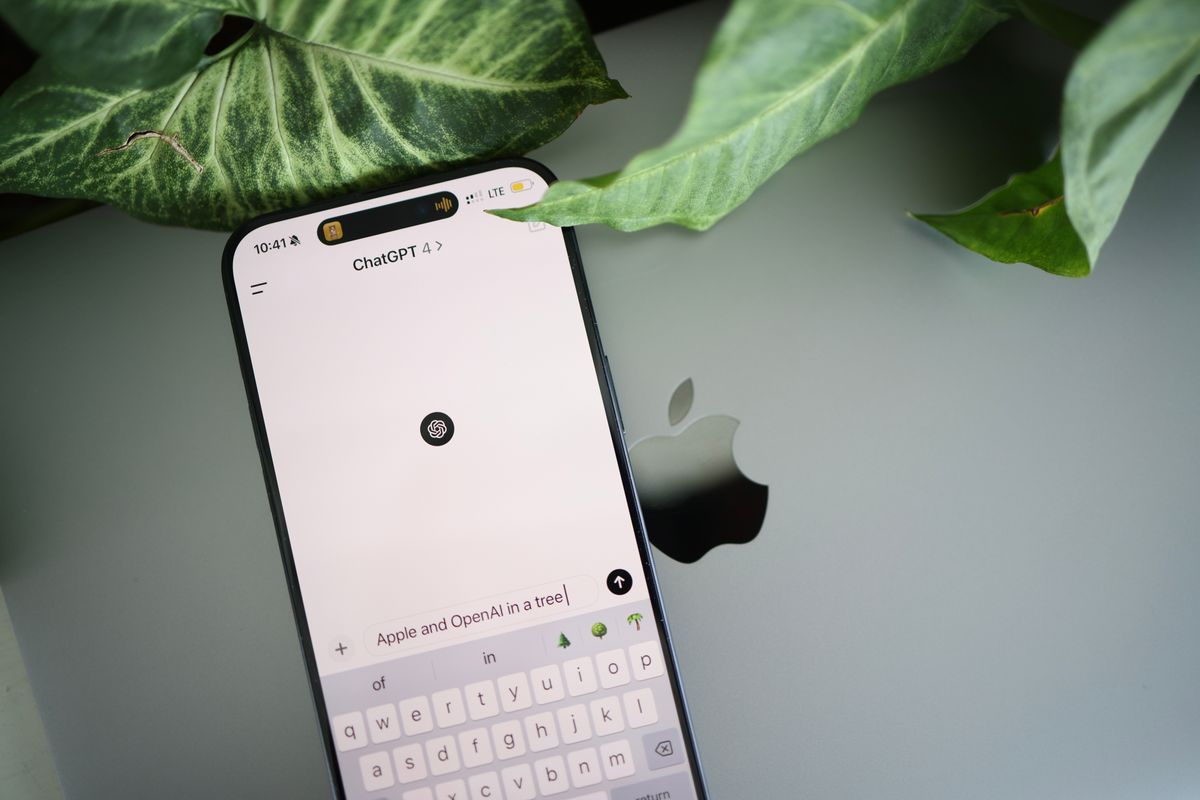
The workflow starts with asking ChatGPT to study the reference channel and extract the useful parts. In the example, the prompt asked for animation, humor about school tests, a screenwriter role, and a 2D animation comedy narrative. ChatGPT then produced a scene board instead of a full block of prose, which is what you want when the next step is video generation.
The material shows another useful move. When the prompt was too broad, the result was off, so the approach shifted to asking for a universal prompt that stays close to the channel style. The output preserved the 40-second structure and kept the school humor focus, with an initial confidence, a discovery, and a complication at the end. That is the kind of output that fits a faceless channel because it gives you repeatable scene prompts instead of one-off ideas.
Turn the prompt into scenes in Fliki or Google Flow
For production, the material points to Fliki and Google Flow, also called Vids.new. Fliki was used with automation, and the setup included 8-second landscape video scenes saved into a folder called TS. Google Flow offers 50 free credits per day, and the material also mentions a 12-credit option per video for one of the models. That makes the production choice concrete, because you can test the format without paying for every experiment.
If you want to move fast, keep the workflow simple. Generate the scene prompts first, paste them into the video tool, set the format to landscape or portrait depending on the final use, and save the output in a fixed folder. The material shows that this can run automatically, with the browser opening, the project created, and the scenes generating in sequence without manual clicking for each one.

Use Like Points tools for niche research, scripts, and uploads
Three Like Points tools fit this workflow directly. Viral Niche Finder helps you check whether the niche has channels and formats worth copying in structure, not in content. ScriptForge AI studies the reference channel, creates ideas, and builds the project structure from the channel format you choose.
Flow Automations and Auto Uploader YouTube cover the production side after the script is ready. Flow Automations sends your requests to Google Flow without keeping you in front of the computer, and Auto Uploader YouTube handles batch sending and scheduling for multiple videos or channels. That matters when the goal is a faceless channel with repeatable output, because the bottleneck is usually the handoff between script, scene generation, and publishing.
Build for consistency, not for one perfect video
The material keeps coming back to consistency. It mentions using screenshots of the tool interface, asking ChatGPT to fill the fields, and letting the automation read the exact structure needed for the project. That is how the workflow stays aligned with the reference channel instead of drifting every time a new prompt is written.
It also mentions a project built around ancient stories, including the Viking era and Mesopotamia, which shows the same method can move across themes. The channel format stays the same, the subject changes, and the tools keep the scene order consistent. That is the real advantage for faceless creators, because the channel becomes a repeatable system instead of a one-time experiment.
Frequently asked questions
How do I pick a niche for a faceless 2D animation channel?
Look for channels that already have large subscriber counts in the same format, then study the recurring themes. In the material, the strongest examples were family conflicts, school, college, adolescence, and childhood memories.
Can AI replace professional animators for this format?
The material shows AI producing a similar style through prompts, scene boards, and video generation tools. The original reference channel still used professional animation, but the workflow now lets one creator build the same kind of output with AI tools.
What tools are used to create the scenes?
The material names Fliki and Google Flow, also called Vids.new. Fliki was used with automation, and Google Flow was used with a free daily credit system and a 16:9 video setup.
How do I keep the videos consistent across uploads?
Use the same reference channel, the same prompt structure, and the same scene order. The material also shows that giving ChatGPT screenshots of the tool fields helps fill the project correctly every time.