AI music channel niche for 7 million views on YouTube

Music channels can pull 7 million views with 16,000 subscribers, and the gap between views and subscribers is the first thing that stands out in this format. One channel in this style reached 7.5 million views in 4 months, while another got 10 million views in 5 months with 57,000 subscribers.
The format works because it leans on emotion, not on technical music knowledge alone. The channel style uses judges, unknown singers, audience reactions, and crying clips, then builds the whole thing with AI, prompts, and automation so the production side takes less manual work.
Why this music niche gets views without big subscriber counts
The core idea is simple, a talent-show style video where a singer performs, judges react, and the audience shows emotion. The channel examples in this format keep repeating the same structure because the same structure keeps getting watched.
One channel in the material has 7 million views and 16,000 subscribers. Another has 57,000 subscribers and 10 million views in 5 months. That gap tells you the videos travel farther than the subscriber base, which is common in this niche.
The audience does not come for a deep catalog of songs. It comes for the reaction, the tension before the performance, and the emotional payoff when the singer starts.
Build the channel around emotion, not your own taste
The material makes a clear point, what you like is not the filter that matters here. The filter is demand. If people click talent-show videos with emotional reactions, the channel needs that format, even if the host does not enjoy it personally.
This is why the examples keep using judges, audience shots, and surprising singers. The cover can show famous judges, while the video itself can use other judges or even created characters, as long as the format feels like a talent show.
The strongest emotion in this niche is not just applause. It is the audience crying, reacting, and looking shocked. That is the signal the channel keeps feeding back into the next video.
 Assistir: Como Criar um CANAL DARK de Música com IA Formato de SHOW DE TALENTOS
Watch on the channel: Como Criar um CANAL DARK de Música com IA Formato de SHOW DE TALENTOS
Use AI to generate reaction scenes in batches
The workflow starts with prompts for people reacting. The example setup uses 20 prompts of people reacting to the audience, then 10 more prompts showing the audience getting emotional and crying, all in the same setting.
That same setting matters because it keeps the visual language consistent. If the stage, audience, and judges change too much, the channel starts looking random instead of like one repeatable format.
The material uses Google Flow for this part. It opens create, turns on the agent, adds instructions, and sends multiple prompts in sequence so the tool can generate several videos automatically instead of one by one.
A practical way to organize this is to separate the prompts by emotion: 1. surprise from judges 2. audience reaction 3. crying audience 4. close-up applause or emotional faces 5. repeat the same stage setting across all clips
If you want to speed up the prompt side, ScriptForge AI helps with the research and structure before generation. It is useful when you want the ideas laid out from a reference channel instead of writing every prompt from zero.
- 1. surprise from judges
- 2. audience reaction
- 3. crying audience
- 4. close-up applause or emotional faces
- 5. repeat the same stage setting across all clips
Turn the workflow into a repeatable production line
The channel style does not depend on one perfect clip. It depends on repeated batches. The workflow in the material shows prompts being sent in series, then the generated clips being downloaded, sorted, and moved into folders like reaction clips and crying reactions.
That kind of organization matters because the next step is assembly. If the clips are already separated by emotion, the editing stage gets faster and the video structure becomes easier to repeat.
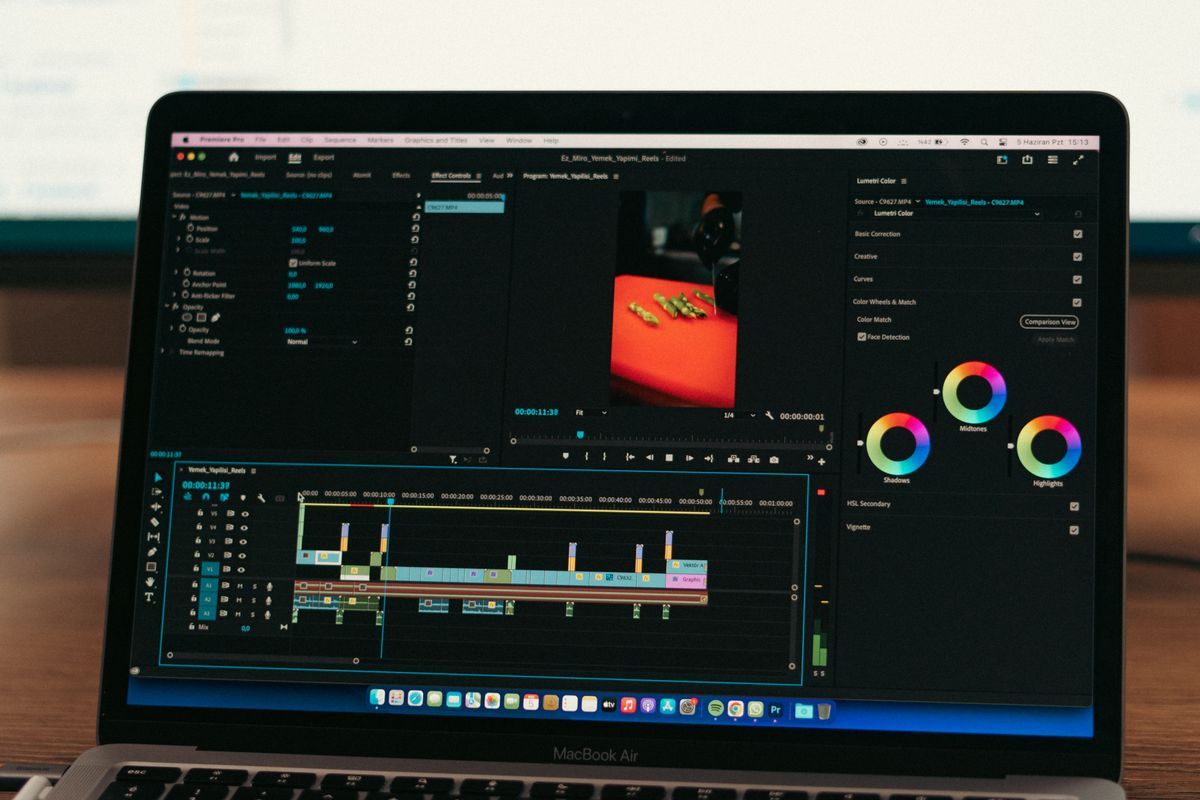
For the editing side, Editor Like Points fits this stage well. It can help with timeline work, silent sections, zooms, transitions, sound effects, music, and SEO inside one editor, which is useful when you need to turn many AI clips into a publishable video.
A second tool that fits here is Flow Automations. It sends your requests to Google Flow so you do not stay in front of the computer for every generation, which matches the batch approach used in the material.
The point is to keep the same pattern moving through the pipeline: prompt, generate, download, sort, edit, publish. The less each step depends on memory, the easier it gets to repeat.
Keep the monetization path open before you publish
The material points to several ways a music channel can earn, including partnerships, product sales, membership areas, AdSense monetization, and cross-platform posting. That makes the format useful beyond one platform, as long as the content is built for demand.
Music channels tend to be harder on subscribers than on views, so the channel should not depend only on subscriber growth. The examples in the material show that the view count can run far ahead of the subscriber count.
For channel research, Viral Niche Finder helps identify niches with clear demand before you commit to a format. That matters when you are choosing whether a talent-show music channel is worth building instead of guessing.
If the channel is already mapped and you want to publish at scale, Auto Uploader Master Projetos Turbo fits the upload stage. It supports batch scheduling and publishing across multiple channels, which helps when the same video or format needs to move fast.
The material also mentions cross-platform posting, which means the same video can travel beyond YouTube. That gives the format more than one path to views and revenue.
What this format asks you to do before scaling up
The example channel style uses a lot of repetition, but that repetition is built on planning. You need prompts for reactions, prompts for crying scenes, the right stage setting, and a folder structure that keeps the assets usable.
The material also shows the limits of free tools. Some platforms work, some ask for account checks, and some impose credit limits. That means the workflow is not one-click, even when it is automated.
If you want the format to stay manageable, keep the production steps narrow: 1. pick one talent-show angle 2. write prompt batches for each emotion 3. generate clips in one tool 4. sort the clips into folders 5. edit the final video in a timeline tool 6. schedule uploads in batches
This is the part that turns the niche from an idea into a process. The channel examples in the material are successful because they keep the process stable, not because each video uses a totally different formula.
- 1. pick one talent-show angle
- 2. write prompt batches for each emotion
- 3. generate clips in one tool
- 4. sort the clips into folders
- 5. edit the final video in a timeline tool
- 6. schedule uploads in batches
Frequently asked questions
What is the best niche for a faceless music channel with AI?
A talent-show style music channel is a strong option because it uses reaction clips, emotional audience scenes, and a repeatable stage format. The examples in the material show high views even when subscriber counts stay relatively low.
How do you create reaction scenes with AI for YouTube?
Write prompt batches for the same stage setting, then separate them by emotion, such as surprise and crying. The material uses Google Flow with multiple prompts sent in sequence so the clips can be generated in batches.
Can a music channel monetize without huge subscribers?
Yes, the material shows channels with millions of views and much smaller subscriber counts. The revenue paths mentioned include AdSense, partnerships, product sales, membership areas, and cross-platform posting.
What tools help automate a faceless YouTube music channel?
Flow Automations helps send requests to Google Flow, Editor Like Points helps assemble the video, and Auto Uploader Master Projetos Turbo helps schedule uploads in batch. Viral Niche Finder can help before production starts, when you are deciding on the niche.