ICE Santa Clarita video changes how creators cover arrests
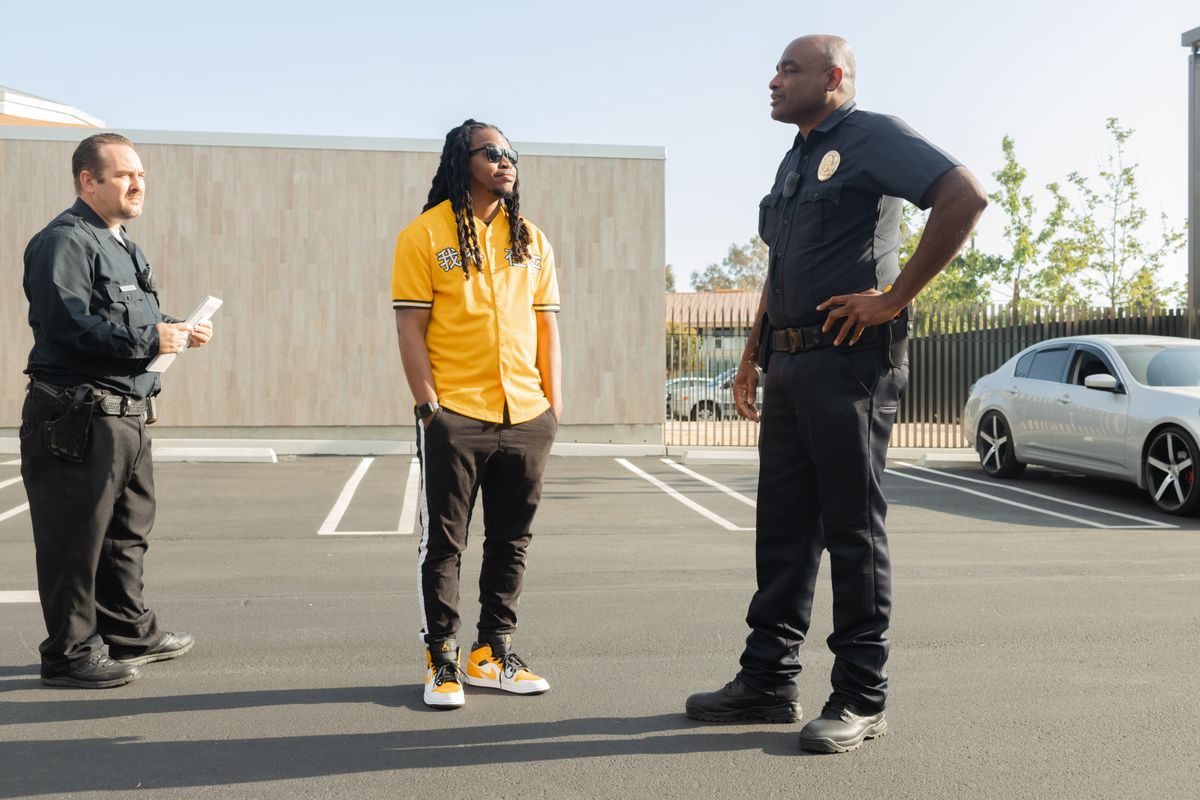
On Friday morning in Santa Clarita, a video from outside the Santa Clarita Valley Sheriff’s Station showed ICE agents smashing a car window, shoving protesters, pepper-spraying people in the parking lot, and taking a man into custody. The confrontation happened shortly after 11 a.m., according to FOX 11 Los Angeles.
For creators who follow local news, immigration stories, or fast-turn video formats, this is the kind of event that moves quickly from cell phone clip to public controversy. It also shows how much of the story now lives in the footage, the witness accounts, and the official statements that follow.
What the Santa Clarita video actually showed
The footage came from outside the sheriff’s station parking lot and showed federal ICE agents in the middle of an arrest. Witnesses said the man had just been released from custody and asked a young couple for a ride home, and their vehicle became the center of the confrontation. Protesters on scene kept shouting that the agents did not have a warrant while glass broke on the ground.
The video also showed an agent pushing a protester who was holding a cellphone and spraying him with what appeared to be pepper spray. Ashley Calkins of the Vote Up Advocacy Coalition said she was documenting the incident and described what she saw as “horrifying and brutal and dystopian.”
Why this matters for faceless news channels
Stories like this travel fast because the visual proof arrives before the full explanation. For a faceless channel, that means your first job is not adding drama. It is separating what the video shows from what witnesses say and what the agency later confirms or denies.
That matters for scripting, too. A clean news video can move in layers: first the visible action, then the witness account, then the sheriff’s department statement, then the open questions. That structure keeps the video useful for viewers who want the facts without a lot of filler.
It also changes thumbnail and title choices. A creator can focus on the location, the arrest, and the broken window instead of using vague language that overpromises what the clip proves.
- Use this kind of event as a news format test: opening scene, witness quote, official response, unresolved questions.

How to turn a breaking clip into a usable script
Start with the public facts that FOX 11 Los Angeles reported: the Santa Clarita location, the Friday morning timing, the parking lot outside the station, and the arrest. Then add only the details that are visible in the video or directly attributed to witnesses and officials. Do not build the script around assumptions about why the man was there or what the agents intended.
A practical workflow for a faceless channel is simple. Pull the main facts into a short outline, write a 60 to 90 second version first, and then expand only if you have enough verified detail for a longer cut. If you use AI scripting, keep the prompts tight: ask for a neutral news structure, not a dramatic rewrite.
For editing, use the footage as the anchor and keep the narration specific. Mention the shattered glass, the protester holding a cellphone, the couple in the car, and the sheriff’s department saying its deputies were not involved. Those details give the video shape without forcing extra claims into the script.
What to test now with AI tools and automation
If you cover news or local incidents, this story is a good test case for a repeatable production stack. You can use a script tool to build a clean outline, a voice tool to generate the narration, and an uploader to schedule the finished video across channels without copying the same workflow by hand each time.
A useful combination from Like Points is ScriptForge AI for the first draft and Narrador TTS for the voice track. ScriptForge AI fits when you need a fast news-style script from a source story, and Narrador TTS helps when you want a stable narration pipeline for short-form or long-form uploads.
If your process already uses automation, this is the kind of story where you can test turnaround time. Measure how long it takes from article to final upload, and check whether the script stays faithful to the visible facts instead of drifting into guesswork.

Limits, risks, and what still needs confirmation
The sheriff’s department said its deputies were not involved, did not coordinate with ICE, and were not notified before the federal operation. It also said ICE did not use secured facilities to stage the arrests and that the events happened in a public area after the individuals had been released from custody. FOX 11 also said it contacted the Department of Homeland Security for more information about the arrest, the man’s identity, and the confrontation.
That leaves room for more reporting, and creators should leave that space open in their own coverage. If a video claims more than the footage proves, the audience will catch it fast, especially on a story with strong public reaction. The safest move is to stick to what is visible, what witnesses said, and what the sheriff’s department stated.
For channel owners, the other risk is tone. A clip like this can pull in clicks, but a narrow, factual script usually holds up better than a loud one. The viewers who stay are the ones who want to understand what happened, not just see the most heated moment.
- Watch for the Department of Homeland Security response, the man’s identity, and any follow-up from the sheriff’s department.
How to use this story in your channel workflow
Build a template for public incident videos. Put the location and time in the first sentence, follow with what the camera shows, then add one witness quote and one official statement. That structure works for local arrests, protests, and police-related clips where the facts arrive in pieces.
If you publish on multiple channels, keep the same factual base but change the packaging. One version can be a 60-second short with on-screen captions, while another can be a longer commentary cut with context around public parking lots, federal presence, and what the sheriff’s department said about civil immigration enforcement.
For upload handling, this is where auto publishing matters. Once the script, voice, and edit are done, an uploader can save time on scheduling and channel routing, especially if you cover several news themes at once.
Frequently asked questions
What happened outside the Santa Clarita Sheriff’s Station?
FOX 11 Los Angeles reported that ICE agents smashed a vehicle window, shoved and pepper-sprayed protesters, and arrested a man in the parking lot outside the station on Friday morning.
Did the sheriff’s department take part in the operation?
The Los Angeles County Sheriff’s Department said its deputies were not involved and did not coordinate with ICE. It also said it was not notified before the operation.
How can a faceless channel cover this without overclaiming?
Use only the facts shown in the video or stated by witnesses and officials. Keep the script neutral, avoid guessing motive, and separate footage from interpretation.
Which Like Points tools fit this workflow?
ScriptForge AI works for the first news script, and Narrador TTS works for the voice track. If you need upload handling, Auto Uploader YouTube fits the scheduling step.