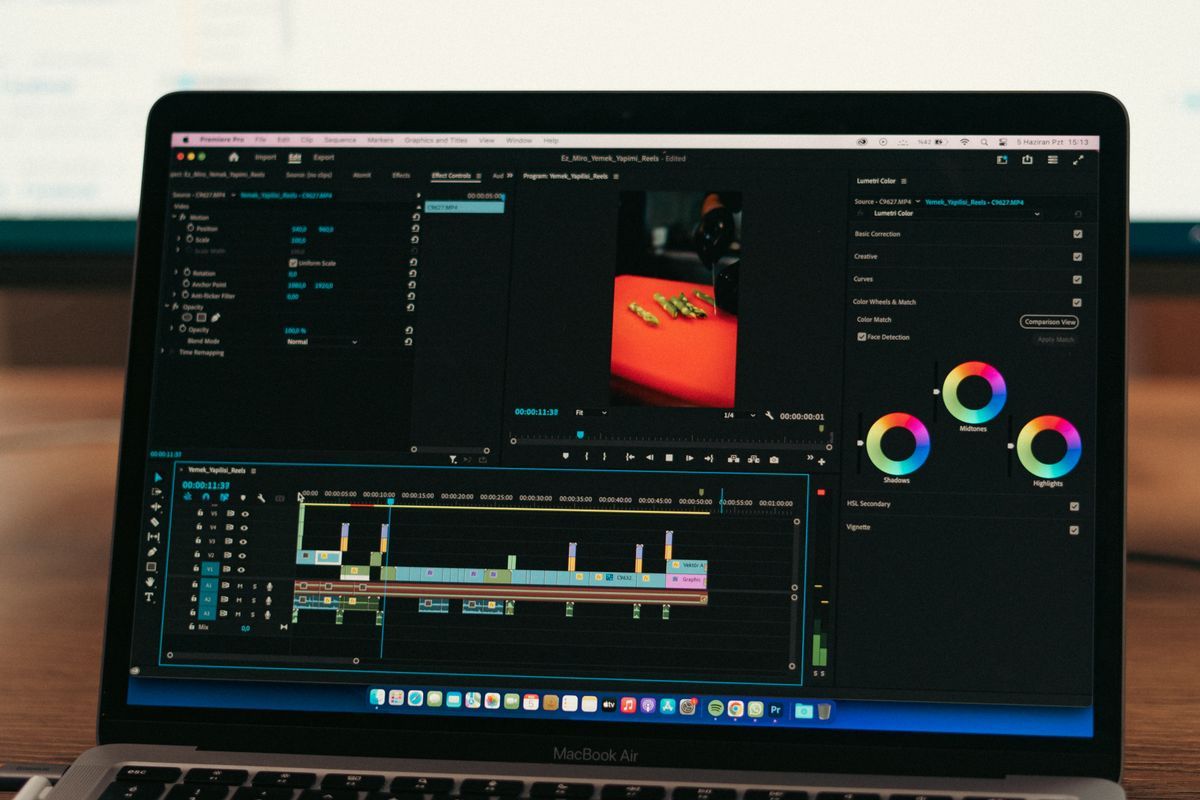
AI faceless YouTube channels on a free local PC setup
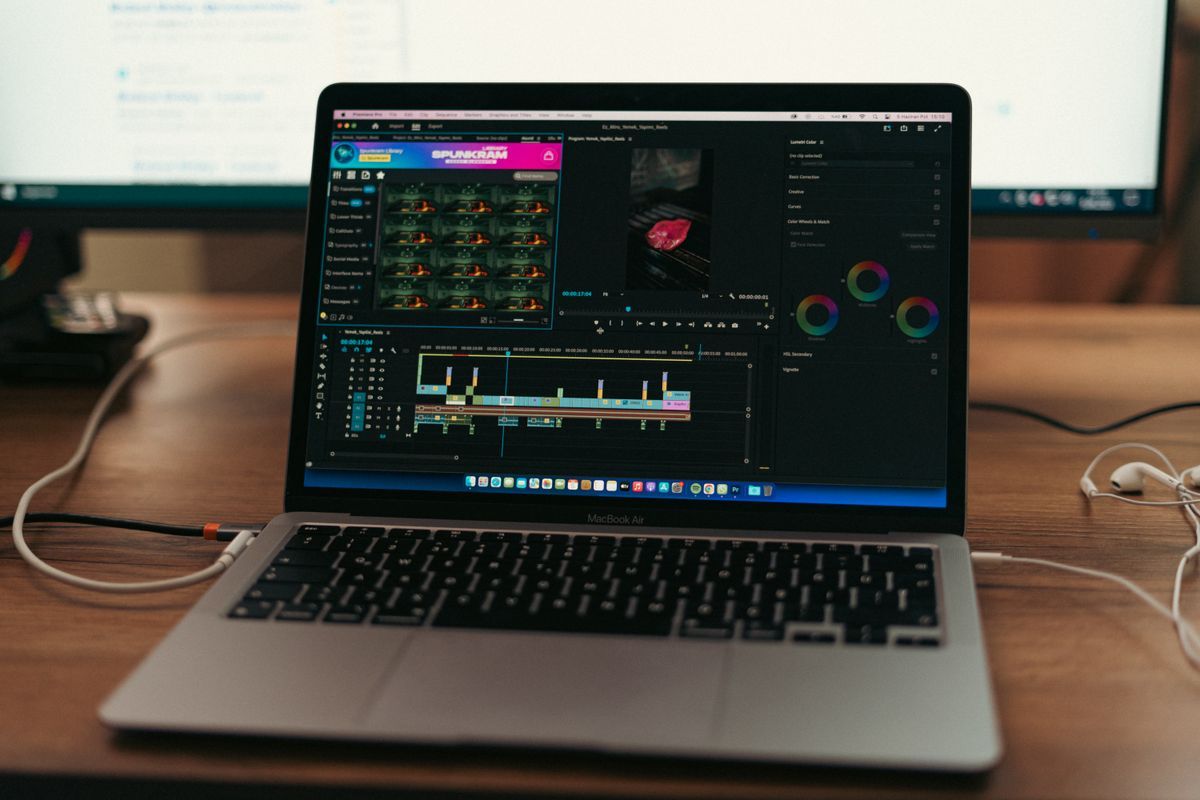
A single GPU can run a local content factory that writes scripts, edits video, generates music, builds thumbnails, and sends uploads to YouTube, Facebook, Google, Instagram, and TikTok. The setup shown here runs for free and unlimited on the creator’s own computer, and the real cost is the video card.
That changes the way a faceless channel gets built. Instead of paying for each step, the machine keeps a team of AI agents on different floors, each one responsible for one job, from planning to checking to uploading.
Start with the niche before you build the machine
The system works because each agent has a clear job tied to one niche. The examples shown include music channels, content channels, Brazilian history videos, a Viking-style music clip in Portuguese, a vintage jazz story, and an 80s hard rock clip.
That means the first decision is not which tool to open. It is which kind of channel you want to run, because the tower changes its work based on the content you want to publish.
- Choose one content lane, such as music, stories, or comparison videos.
- Keep the channel type narrow enough that the same agent setup can repeat the work.
- Use the same workflow for each video so the machine can keep producing in sequence.
Use agents for each stage of production
The tower uses small characters as functional agents, not decoration. One edits video, one writes the outline, one checks the work, one generates visuals, one builds the package, and one uploads when the video is ready.
The uploader is already set up to send content beyond YouTube. The system also works with Facebook, Google, Instagram, and TikTok, so one finished project can move across platforms without rebuilding the whole process.
- Editor agent, handles video editing.
- Outliner agent, plans the content.
- Checker agent, reviews what has been done.
- Graphic agent, generates media.
- Uploader agent, sends the finished file to the channels.
 Assistir: Automação de Canal Dark com IA Grátis: Agentes Fazem Tudo no Meu PC
Watch on the channel: Automação de Canal Dark com IA Grátis: Agentes Fazem Tudo no Meu PC
Let the computer do the repetitive work
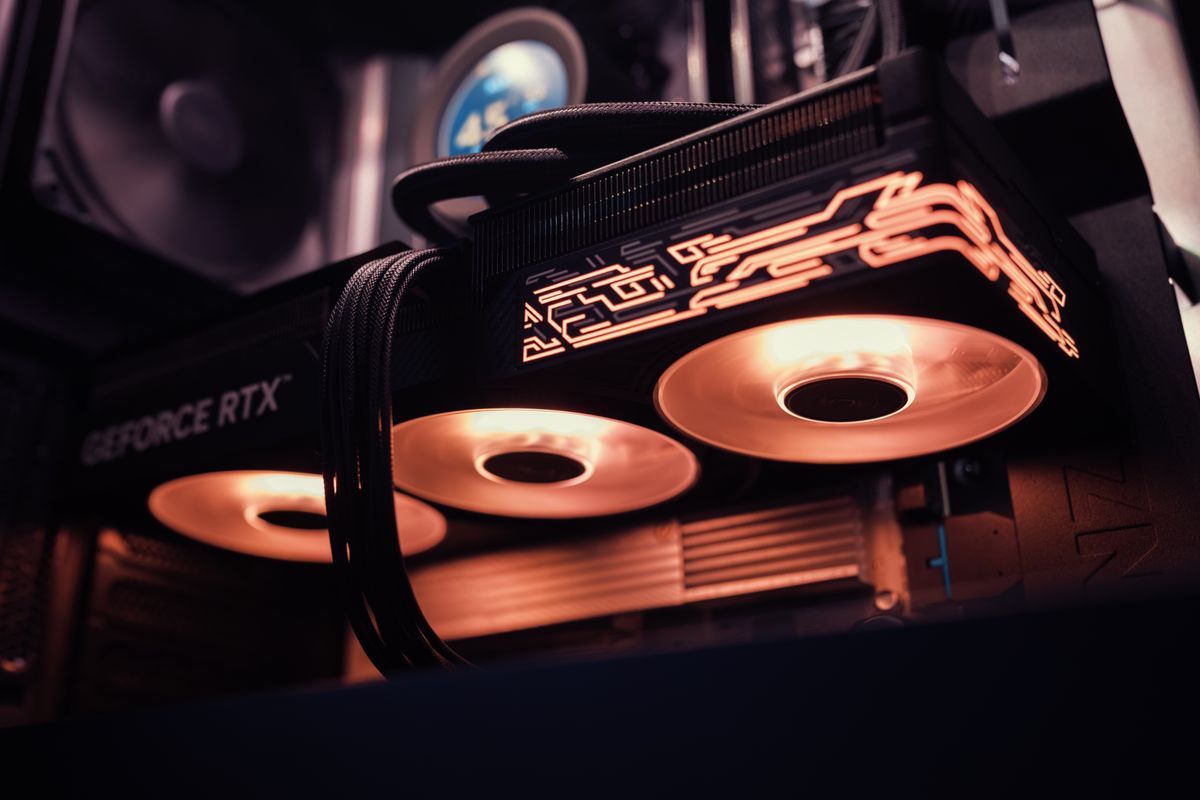
The setup runs locally, so the machine can keep creating without paying a tool fee for every output. The creator says the cost is the GPU, and the system uses NVIDIA hardware, with examples like RTX 3060, 3050, and even 1050 mentioned in the setup.
A regular computer also matters. The workflow uses both GPU and CPU, so a reasonable Ryzen or Intel Core i5 or Core i7 helps the roteirist, the editor, and the render steps keep moving.
- Use an NVIDIA graphics card for the heavy local generation work.
- Keep a decent processor in the machine for scripting and process handling.
- Expect slower output than cloud tools, because the system depends on hardware rendering.
Build scripts, visuals, and music inside one workflow
The tower does more than one task at a time. It can create scripts, generate local music, make comparison videos, render scenes, generate thumbnails, and mix photos with video clips to speed up production.
The examples show that some videos use mixed media. One music clip combines video and photos, and the system also makes thumbnails and organizes the final package before upload.
- Script creation for the video text.
- Image and video generation for scenes and illustrations.
- Local music creation for music channels and clips.
- Thumbnail generation for the cover image.
- Rendering for the final export.
Use the right Like Points tools for the same workflow
For niche selection, Viral Niche Finder fits the first step. It helps you look for channel ideas before you lock the whole workflow around one topic.
For scripts, ScriptForge AI matches the planning stage. It helps turn a channel reference into a video structure, which fits the way this kind of system needs repeatable prompts and a clear outline.
- Viral Niche Finder for picking the channel angle.
- ScriptForge AI for structuring the script from a reference.
- Auto Uploader Master for project-based uploads across channels.
Upload in batches and keep the pipeline moving
The system shows an upload stage that works like a delivery line. One agent carries the finished package from the first floor to the uploader, and the dashboard shows approved videos, pending videos, and channel activity.
This is where automation saves time. Once the login is connected to the channel, the manager sends the right workers to the right tasks, and the creator can leave the computer running while the tower keeps moving the content forward.
- Connect the channel login.
- Let the manager assign tasks to the right agents.
- Check approved videos, pending videos, and machine status.
- Keep the workflow running while the system handles the queue.
Know the limits before you copy the setup
The system is powerful, but it is not instant. The creator says it does not give results in seconds or minutes, because heavy GPU processing takes time.
Internet also matters. If the connection drops, the tower stops working even if the machine stays on. The local hardware keeps running, but the workflow needs the network to keep the full pipeline alive.
- GPU memory affects production speed.
- The machine can be local, but the internet still keeps the system connected.
- A reset can wipe channel data, so project structure matters.
Also on the channel
 Assistir: Black Friday LIke points AI , todas as ferramentas de automações + treinamentos
Black Friday LIke points AI , todas as ferramentas de automações + treinamentos
Frequently asked questions
What hardware do I need for a local AI YouTube automation setup?
The material points to an NVIDIA GPU, with RTX 3060, 3050, and 1050 mentioned, plus a decent CPU like Ryzen or Intel Core i5 or i7. The workflow also depends on enough memory and a computer that can handle rendering and process tasks.
Can one local AI system create scripts, images, music, and uploads?
Yes. The setup shown handles scripting, visual generation, local music, thumbnails, checking, and uploads inside one tower of agents. Different agents handle different parts of the workflow.
Does this kind of setup work only for YouTube?
No. The uploader in the material sends content to YouTube, Facebook, Google, Instagram, and TikTok. That lets one production pipeline serve multiple platforms.
Is a local AI workflow faster than cloud tools?
Not in the way most people expect. The material says the system is slower because it uses heavy GPU processing, but it avoids per-tool fees and can run for free and unlimited on the creator’s own computer.