AI comparison videos for YouTube with real data

The United States at 30.8 trillion dollars and China at 19.5 trillion dollars are the kind of numbers that keep a viewer watching until the last year appears on screen. One channel in this comparison niche already has 362,000 subscribers, 104 million views, and 176 videos.
A single video can take 4 hours or more if you research everything by hand and build the layout in Canva. The faster path uses real data, a repeatable comparison format, and AI to assemble the research, script, voice, and visuals without inventing a single number.
Why comparison videos keep people watching
Comparison videos work because the viewer stays for the next item, then the next one, then the last one. That holds attention across the full video, whether the topic is GDP, IQ, height, age, or the biggest names in a music list.
The channel examples in this niche show the pattern clearly. One has 176 videos, 362,000 subscribers, and 104 million views, while another has 147,000 subscribers and 223 videos. The format changes, but the hook stays the same, a ranking or duel that makes the viewer wait for the answer.
Pick a comparison niche that can repeat
The best comparison channels do not depend on one topic. They sub-niche into many formats, such as highest-paid actors, people who died at an older age, IQ lists, tallest athletes, or countries by GDP.
That repeatability matters because one good format can become many videos. A channel can take the same structure and apply it to celebrities, sports, countries, food, singers, brands, or animals, as long as the data is real and the order makes sense.
- Choose a broad comparison angle that can produce many lists.
- Break it into repeatable sub-niches, such as age, height, money, or rankings.
- Use the same video structure again with new data, not the same data.
- Keep the topic simple enough that viewers understand the comparison in one glance.
 Assistir: Canal Dark de Comparação de Dados com IA: Vídeos que Prendem Até o Final (Passo a Passo)
Watch on the channel: Canal Dark de Comparação de Dados com IA: Vídeos que Prendem Até o Final (Passo a Passo)

Get real data before you build anything
This niche depends on real data. The material is blunt about that, you have to research item by item and you cannot lie. That is why the source stage matters more than the editing stage.
For manual research, Wikimedia and Wikipedia show up often. Wikimedia gives reusable media under Creative Commons, and many creators pull data and photos from Wikipedia too. The point is to collect facts that can be turned into charts, lists, and graphics without guessing.
If you use AI, the first job is still the same, find real sources and keep the numbers consistent. A comparison video only works when the viewer trusts the order on screen.
Use AI to turn a niche into a queue of videos
The faster workflow in the material uses an MCP server connected to AI. The creator connects the tool to Codex, Claude, or Cursor, then pastes a prompt that asks for at least three comparison video ideas based on successful channels.
After that, the AI understands the comparison tool and starts building projects in a queue. In the example, it begins producing videos for GDP, longest-living animals, and top goalscorers at the same time. The creator also sets details like item count, format, and language before sending the project forward.
This is the part that cuts the time down. Instead of starting from a blank page, the AI gets the theme, the reference channels, the number of items, and the language, then fills the production queue with usable ideas.
- Connect the comparison tool to Codex, Claude, or Cursor.
- Paste example channels and ask for at least three comparison ideas.
- Set the number of items, such as 10, 15, or 20.
- Choose the format and language before sending the project to the queue.
- Let the tool search for sources and build the video structure automatically.

Build the voice and visuals without manual assembly
The tool can also randomize the voice at the start. The material mentions Ada’s voice, Rivelo’s voice, a cloned voice, and even a voice like Fatos Desconhecidos or Chico Bento, as long as the audio is an MP3. That lets you keep the format consistent while changing the narration style.
The same workflow handles measurements in meters, kilos, feet, and pounds, so the comparison can stay consistent across different topics. When the tool cannot find a photo, it uses a generic one, which keeps the video moving instead of stalling on one missing image.
The visual style in the examples includes moving bars, ranking graphics, and comparison layouts. One example lists NBA players by height, with Paco Fall at 2.36 m, Gheorghe Muresan and Manute Bol at 2.31 m, and Yao Ming and Shawn Bradley just below, between 2.26 m and 2.24 m. Another lists singers by age, with Melanie Martinez at 31, Anitta at 33, Michel Teló at 45, Caetano Veloso at 84, and Gilberto Gil at 84.
Manual editing still works, but it costs time
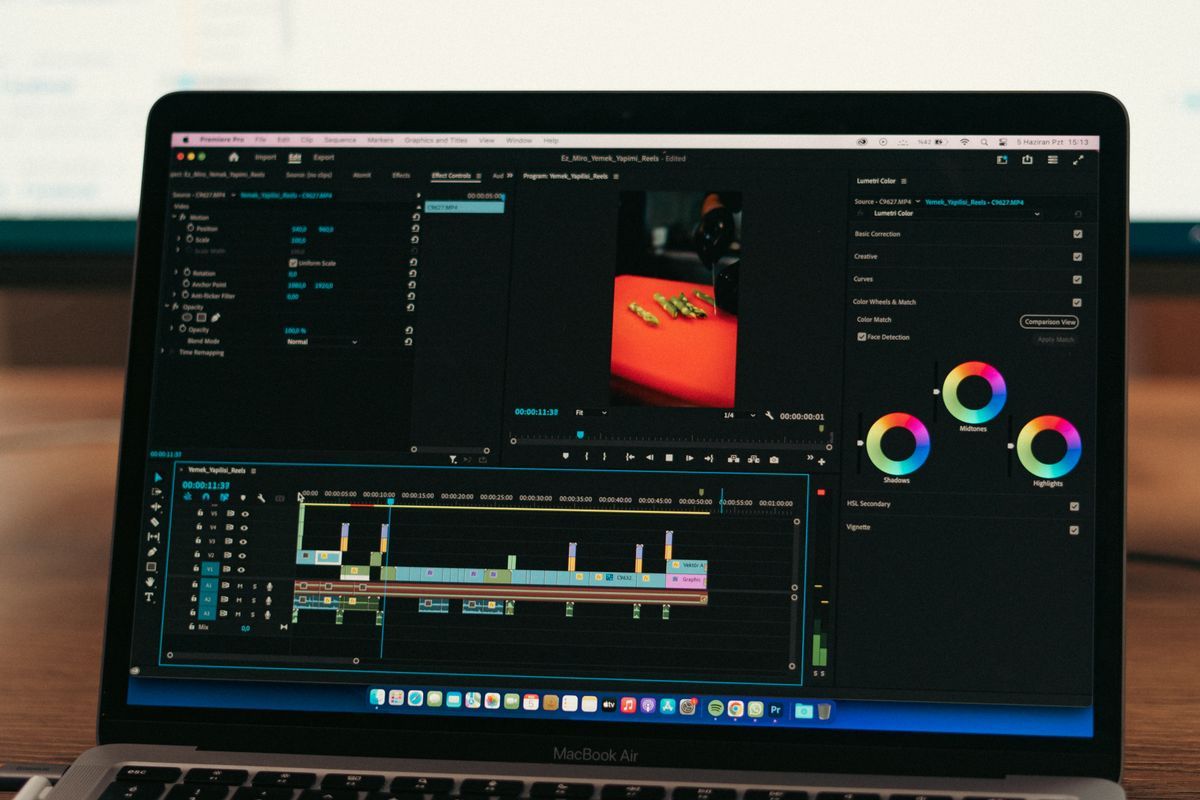
If you build these videos by hand, Canva is still one of the common paths. The material says a comparison video can take 4 hours or more because you have to research the facts, create the layout, and fit the pieces together one by one.
That manual route can still work for creators who want full control. It usually means dragging elements into place, fitting images into squares, building comic-style layouts, and keeping the design dynamic enough to hold attention while the numbers move on screen.
The tools that match this workflow
Three Like Points tools fit this workflow well. Comparison Viral handles comparison videos with real data, ranking photos, country races, and duel formats. Viral Niche Finder helps you spot repeatable ideas before you start building. Auto Uploader YouTube handles batch sending and scheduling when the videos are ready.
Comparison Viral fits the exact format in this article. It is built for real-data comparison videos, so it matches the kind of structure that keeps viewers watching to the last item.
What this format changes for publishing at scale
Once the niche, data, voice, and layout are set, the real advantage is repetition. The material shows the same comparison logic applied to sports, singers, countries, foods, and brands, with new topics added to the queue whenever the idea list runs dry.
That makes the channel easier to scale than a one-off video format. You can create multiple videos in different lengths, from 1 minute to 15 minutes, and keep the same retention pattern as long as each list ends with a result worth waiting for.
- Use one comparison structure across many topics.
- Keep the items in a clear order that makes viewers wait for the next reveal.
- Add new ideas to the queue instead of rebuilding the process from zero.
- Publish in different lengths when the topic supports it, from short videos to longer ones.
Frequently asked questions
What is a comparison channel on YouTube?
It is a faceless channel that shows rankings, duels, or side-by-side data on screen. The viewer stays to see who ends up at the top, which helps retention.
Where do comparison channels get their data?
The material points to Wikimedia and Wikipedia as common research sources. Creators also use reusable media and other public information to build the charts and lists.
How long does a comparison video take to make manually?
The material says around 4 hours or more for research and Canva work. That includes collecting real data and assembling the layout by hand.
Can AI build comparison videos automatically?
Yes, if you connect the tool to AI and give it a clear prompt with example channels and topics. The workflow in the material sends ideas into a queue, searches for sources, and builds the video structure automatically.