public demonstration without download or serial
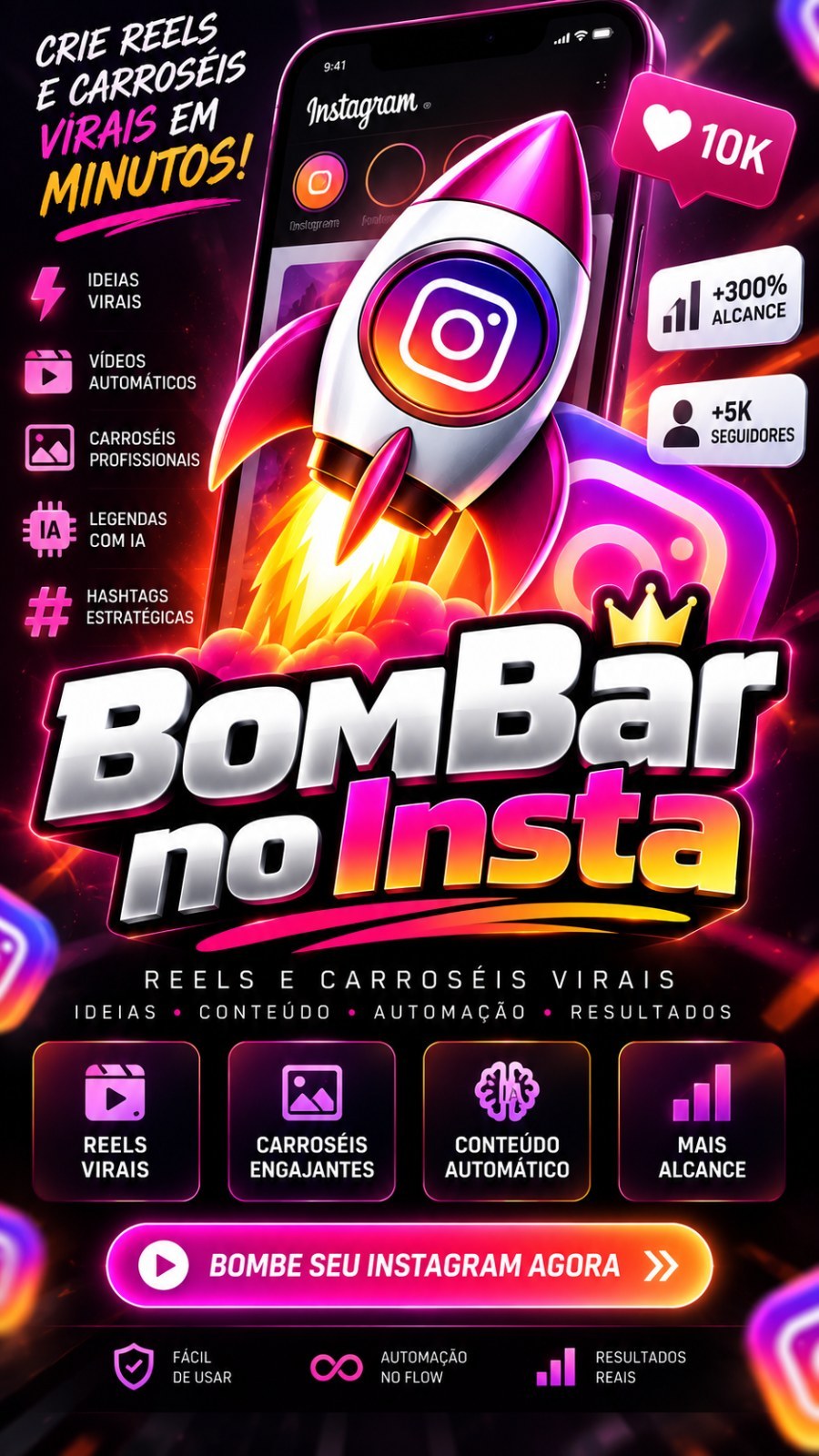
Bombing on Insta - Create Reels and Carousels
Bombing on Insta What it does: turns your phrase (the story) into short videos ready for Reels, Shorts and Facebook, and into image carousels with ready-made captions. He researches, writes the script, narrates (with a pr...
228public views
Videodemo available
1related areas
Did you like this tool?
Take this for a stronger offering: full access, combo with training or the master version with larger window.
Presentation
Specifications
Compatibility
Windows 10/11. Recommended: Windows 11.
Last updated08/10/2026 18:52
Version/download
link updated on 10/08/2026
Public access typePresentation, video and description only. Download and serial remain protected.
Purchase Shortcut
This space welcomes those who have already seen the presentation and are ready to move on.
What This Tool Does
Bombing on Insta
What it does: transforms your phrase (the agenda) into short videos ready for Reels, Shorts and Facebook, and into image carousels with ready-made captions. He researches, writes the script, narrates (with a ready voice or with his cloned voice), puts together the video with his recordings and photos, and even publishes it alone on your accounts - at the time or on the day and time you set.
Who is it for: who wants to post every day without spending hours recording and editing. You write a line, check it and click a button.
How to install and open
- Download the installer, run it and follow the screens. You don't need to install anything else: everything comes together.
- The first time Windows may show "Unknown publisher". Click More information and then in Run anyway.
- The program opens in your browser. Enter with email and password for your Like Points account (the same as the store).
- Need internet: the account is checked each time it is opened.
Google Chrome installed is necessary for automatic publication on networks. If not, the program will notify you on the screen.
Languages
In the upper right corner there are six flags: Portuguese, English, Spanish, French, German and Japanese. Click on one and the entire screen changes instantly. The language of content of videos is another choice, made on the Create Video screen.
Projects: one for each profile you manage
Each project has its own way of working: voice, rhythm, brand color, recording and music folders, final call, and which accounts and Pages publish. Whoever takes care of three Instagram profiles creates three projects and switches between them in the selector at the top.
- Create project: in the project chooser, choose "New project" and give it a name (the name Instagram is a good idea).
- Rename and delete: next to the selector. The last project is never deleted.
- Changing projects in the middle of a queue is safe: each video has already entered the queue with its project choices.
Create video
It's the first screen. Write the agenda in one line (e.g.: "5 automations that make Instagram content alone"). The rest is already filled in with what gives the best results - check it out and click Generate agenda videos.
- I don't know what to record: the program suggests hot topics on your topic.
- Copy from the internet (trends): Open the Trends screen to choose a trending topic.
- Formula: the video format - Quick list, Commented list, Essay with proof, Vox-style explanatory, Guide in steps, Numbered techniques, Personal story, Challenge with deadline, Risk alert, News with opinion, On-screen tutorial, Error that costs money. Each one shows when to use.
- Duration and items: how many seconds the video should be and how many items the list contains.
- How many videos: order several at once; everyone gets in line and leaves alone.
- Video style: Normal (you on camera, photos and split screen) or Vox Style (animated paper collage, without you showing up - great for those who don't record).
- Content language: Portuguese, English, Spanish, French, German or Japanese. Script, subtitles and narration are written in this language.
- Narration voice: ready-made voices per language (male and female), My voice (the cloned voices you registered) and the button Listen to the voice to test first.
- Speech rhythm: Normal up to 1.4x. The 1.2x standard is the one that attracts the most attention.
- Final video call: the last sentence spoken - ask to comment on a word, send it to the bio link, end with a question, or without a call. "As is on my profile" uses what you defined in the project.
- Customize (optional): background music folder and volume, video output folder, backing video folders. Everything already has a standard; only open it if you want to change.
- I have a script ready (or a video to model): Paste your text or a video link. The program uses your content as a base instead of writing from scratch.
- Just write the script: it only generates the text, for you to read, adjust and only then turn it into a video.
- Publish when ready: mark Instagram, Facebook and/or YouTube. The video goes straight to the publication queue as soon as it is ready, on the accounts chosen in the project.
While assembling, the screen shows the step and percentage. The finished video appears in the queue with the button to open the folder.
Internet trends
Enter a topic and the program lists what's trending: articles and videos, with the real source. Mark the ones you liked and click Flip Reels (marked) or Flip carousel (marked). He reads the source of truth (the text of the article, the audio of the video); If the source doesn't allow it to be read, he warns instead of inventing.
- Use video excerpts when the source is video: takes advantage of scenes from the original video.
- Use photos from the article itself: takes images from source instead of stock images.
- With a Instagram account connected to the project, the survey also reads what is trending within Instagram.
Carousel
Write the agenda, choose how many slides (3 to 9), how many carousels and the color theme (or the project brand color). A folder comes out with the images numbered in order, in the right size, with the text already drawn inside, and the post caption ready. The final call on the last slide follows the same rule as the video.
Video queue
Everything you ordered goes in here and is assembled one after the other. You can order as many as you want without waiting. The queue shows each step, and continues where it left off if you close and open the program. Buttons: Stop the line after this video, Clear finished ones e Open the video folder.
Publish on networks
The program publishes to Instagram, Facebook and YouTube via Chrome on your computer, as if it were you. It never asks for your password: You log in, in the window that opens, just once. After that, the account is saved on your computer and the windows open and close by themselves.
Connected accounts (registration)
It's the list of all the accounts the program can use - as many as you want from each network.
- Click Add account on the desired network and give it a name just for you to recognize (e.g.: "Store", "Personal").
- A Chrome window opens. Log into the account with your hands.
- Return to the program and click I've already entered. He checks who entered, reads the Facebook Pages or the YouTube channels (with photo), saves everything and closes the window.
- Update: open the account, read the Pages or channels again and close. Use when creating a new Page or when your login has expired.
- Rename: changes the name that appears in the list.
- Remove: deletes the login saved on this computer. Projects that used this account are unaccounted for until you choose another one.
In this project (the choice)
Each project chooses, for each network, which account use, and on the Facebook and YouTube, on which Page or channel publish. Click on the account card and then on the Page/channel card - they appear with a photo so you don't confuse similar names. Without a Page chosen, the program does not publish on Facebook: it warns you instead of sending the post to the wrong place.
- Who can see the YouTube: public, unlisted or private.
- Check now: open the account, check that it is still connected and close the window.
Auto-publish
Mark on which networks what the program creates should be published as soon as it is ready. Unchecked, nothing comes out of your machine.
When to publish
As soon as it's ready or On scheduled day and time. On the YouTube, the website itself keeps the time. In the Instagram and Facebook, it is the program that holds it back: it needs to be open at the scheduled time. Marked publications are in the list with the button Cancel.
Publications
The list shows each submission: queued, publishing now, published (with link) or reason for not being released. The program only marks "published" after seeing the post on the page - the screen never lies. Sending interrupted due to closing the program returns as a warning asking you to check your account before sending again.
My recordings
Point to the folder where your videos are and click Read recordings. The program starts using its scenes instead of drawn backgrounds. Folder called edit, primary or talking it's worth like you talking on camera; the rest becomes support. Without recordings, the videos come out with designed backgrounds and photos.
cloned voices
From the list of voices, choose + add cloned voice. The first time the program installs the voice engine by itself (a few minutes and a large download, just once - the screen shows the progress). After:
- Choose an audio of yourself from 30 seconds to 2 minutes, speaking normally, without music.
- Give the voice whatever name you want (e.g.: "My voice", "Customer João's voice").
- She appears in the list of voices for all projects. Repeat as many times as you want: there is no limit to the number of voices.
In cloned voices you rename or delete each one, and Listen to the voice Test before generating the video.
Help, errors and how to close
- Help (top of screen): this updated manual, the video tutorial, the installed version and the usual questions.
- Something went wrong: in Help, View the latest errors shows on the screen what happened, with Copy the errors to send it to support. Download bug report save the report in the program folder and Open the report folder takes him to him.
- Switch account (top): exit the Like Points account and return to the entry screen. Your projects and settings remain on your computer.
- End program (top): actually closes the program. Just closing the browser tab also shuts down the program in a few seconds. There is an icon next to the Windows clock while it is open.
- Open again with it open: the new copy takes over and the old one leaves. There are never two running.
Automatic update
When a new version comes out, a banner appears in the footer with Update now. The program downloads, makes a backup copy of your data on the Desktop, reinstalls it in the same folder and reopens it on its own. Login, projects, connected accounts and voices are preserved.
Required API Keys
API key is the password that gives the program access to an artificial intelligence or imaging service. The keys are registered on the Like Points panel, never within the program. If your plan already includes system keys, you don't need to register anything. Did you register or exchange a key with the program open? Close and open again.
- OpenAI (recommended for scripts and subtitles; mandatory if your plan does not include the system key) - register · video
- Gemini (alternative for text and optional for images by AI) - register · video
- DeepSeek (alternative to text, optional) - register · video
- Grok (alternative to text, optional) - register · video
- Groq (alternative to text, optional) - register · no video
- OpenRouter (alternative to text, optional) - register · video
- Pexels (stock photos and videos, optional - without it the program uses your recordings and open sources) - register · video
- Pixabay (stock photos, optional) - register · video
- Stability (Stable Diffusion) (Vox-style AI-drawn images, optional) - register · video
- kie.ai (images by AI, optional) - register · no video
Requirements and limits
- Windows 10 or 11, 64 bits. Internet to enter and for artificial intelligence.
- Google Chrome installed to publish on networks and to read Instagram trends.
- Cloned voices: the voice engine runs on your computer; the first installation downloads about 2 GB. On slow computers the cloned narration takes longer.
- Instagram and Facebook do not allow the program to schedule: to publish at a scheduled time, the program must be open at that time.
- Instagram limits how many searches and reads an account does per day. When this happens, the program warns you and you try later.
Common mistakes
- "Unable to sign in" or "no access to this tool": Check your email and password and whether your plan includes Bombar no Insta. The account must be active at that time.
- "Choose which Facebook Page to publish on": Go to Publish on networks, section In this project, and click on the Page card. If the list is empty, click Update on account under Connected accounts.
- "The saved account has expired" / "I haven't seen the connected account yet": the site asked to login again. Click on Update account and enter the window that opens; then, I already entered.
- "Facebook closed the post box but the post did not appear": Facebook did not accept the post at that time. Open the Page and check it out; If it's not there, send it again later.
- "Autopublishing requires Google Chrome": install Google Chrome and open the program again.
- "The program was closed while this video was being edited": ask for the video again. What was already ready remains in the folder.
- "The program is now open": use the window he opened. If you can't find it, click End Program on the icon next to the clock and open it again.
- No key released: Register the key on the Like Points panel and close and open the program.
Want The Complete Ecosystem?
After reading the details, many people prefer to guarantee greater access rather than deciding tool by tool.
Other Tools to Show Along