public demonstration without download or serial
Musicful automation
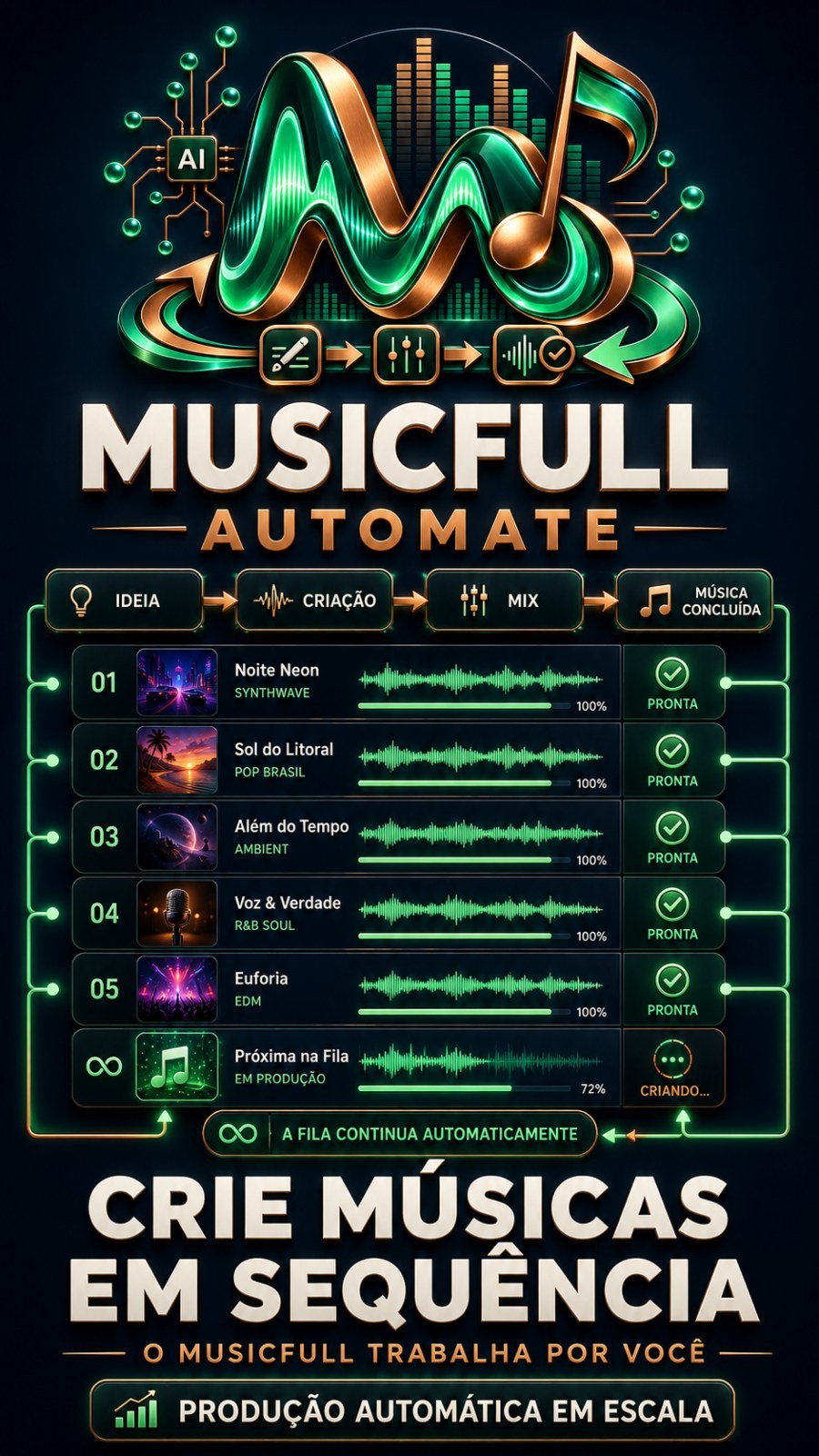
Musicful AutomationsCreate songs in Musicful in batch and download everything to your computer yourself. You say the style (or paste your lyrics), choose how many songs you want and go off to do something else: the program sends you one by one,...
383public views
Videodemo available
1related areas
Did you like this tool?
Take this for a stronger offering: full access, combo with training or the master version with larger window.
Presentation
Specifications
Compatibility
Windows 10/11. Recommended: Windows 11.
Last updated29/09/2026 11:18
Version/download
link updated on 09/29/2026
Public access typePresentation, video and description only. Download and serial remain protected.
Purchase Shortcut
This space welcomes those who have already seen the presentation and are ready to move on.
What This Tool Does
Musicful Automations
Create music on Musicful in batch and downloads everything to your computer by itself. You say the style (or paste your lyrics), choose how many songs you want and go off to do something else: the program sends you one by one, waits for each song to be ready, downloads the audio and organizes the files in the folder you chose.
What you need before you start
- Windows with Google Chrome installed.
- An account on Musicful with credits (each song generated consumes credits from your account there).
- Your Like Points account is active: the program asks for your email and password when opening.
- Internet connected throughout the work.
How to use in 5 steps
- Open the program and enter your Like Points account email and password.
- Connect your Musicful account. Click Connect on Musicful: Opens a Chrome window on the website. Log in normally (you are the one entering the password) and return to the program by clicking I've already logged in. If you don't see the window, click I didn't find the window. This only needs to be done once.
- Choose where to start on the list How to create and fill in what appears.
- Say how many songs want and check the folder where they will be saved.
- Click To start. Follow the column What's going on. When finished, use Open music folder to view the files.
Musicful delivers two versions of each song. Both are downloaded; If you want just one, see the option in the song list below.
The six ways to create
- I just say the style — you write something like “romantic country music” and the artificial intelligence writes the lyrics and production description for each song. It's the fastest way to fill a channel or test ideas.
- Give a theme — you tell what the songs are about (a product, a date, a story) and the style; AI writes everything based on this theme.
- I already have a prompt ready — you paste your text. Scoring The AI reads my prompt and writes the lyrics + title, your text becomes a briefing and the AI delivers different lyrics and title to each song. By unchecking, the text goes to Musicful exactly as you wrote it. There's still the field Fixed letter, to always use the same letter.
- I have a letter — paste your handwriting and style. Used to set music to a text you have already written.
- I have a folder with several notebooks — point to a folder and each text file becomes a song. It's mass production mode: 30 files, 30 songs, one click. If each file already has the letter and, below, the style, the program reads both; the style typed on the screen only enters when the file does not contain any.
- I'm going to paste several letters at once — paste all the letters in a single box, separated by a line with three dashes. Same mass production, no files required.
In letter modes there is a marking Keep true to the style I wrote: on, the AI does not change your style text; turned off, it improves and varies the description. In style modes there is Vary each song, so that songs from the same batch do not come out the same. And in everyone there is No vocals (instrumental).
Job options
- How many songs — the program repeats sending this number of times, one at a time.
- Language the AI will sing — defines the language of the lyrics written by artificial intelligence.
- Download music to my PC automatically — on, each song falls into its folder as soon as it is ready. When turned off, the program only creates; you download it later from the list.
- Save these songs to — each job keeps its own folder. You can leave one batch in one folder and the next in another, without mixing.
Settings
On the button Settings, at the top of the screen:
- Where to save songs — default folder for all jobs. It is already filled with the program's own download folder.
- File format — MP3, which is the format that Musicful delivers.
- AI Quality — only appears for those using their own key; choose the model that writes the letters. Anyone who uses the quota included in the plan does not see this field, because the order is already defined.
- Also save the lyrics and style to a text file — keeps, next to each song, a notebook with the style and lyrics used. Default: off.
- Number the files — puts 001, 002, 003 in front of the name, from oldest to newest. Default: on.
- Test AI — instantly check whether automatic letter writing is working.
- Reload keys — searches for your account releases again, without having to close the program.
In Advanced options (collected, most never need to touch):
- Interval between sending — seconds of waiting between one song and the next. Pattern 15.
- Maximum wait for music — how long to wait for a song to be ready before moving on. Default 900 seconds.
- Attempts when it fails — how many times to repeat a failed shipment. Pattern 3.
- Pasted letter separator — what divides one letter from another when you paste several together. Pattern three strokes.
- Rotate hidden — the Chrome window works out of your sight. Default on.
- Let automatic download pick up old songs too — off, songs that already existed in your account before installing the program are never downloaded without you asking.
- Diagnosis e Recatalog library from scratch — serve as support when something disappears or repeats itself.
My songs on Musicful
The right column shows everything that exists in your Musicful account, not just what has been created now:
- Update Musicful playlist — read your entire library and bring back anything new.
- Download the missing ones — download everything that is not already on your computer.
- Filters by status (all, not yet downloaded, already downloaded, in the queue), ordering (most recent, oldest, name, grouped by situation) and Hide already downloaded, to quickly find among hundreds.
- Mark all e Download marked ones — you choose exactly what you want.
- Download only 1 version of each song — as Musicful generates two versions with the same title, this option only saves one of them.
The program never downloads the same song twice: it recognizes what is already in your folder.
Required API Keys
Automatic writing of letters and titles uses artificial intelligence. Depending on your plan, it is already included and you don't need to register anything. If you want to use your own key, register on the Like Points panel — never within the program:
- OpenAI (optional) — register on the panel · video showing how to get the key
- OpenRouter (optional) — register on the panel · video showing how to get the key
Musicful does not use a key: connecting to it is done by logging into the Chrome window, with your own account.
Important: If you register or change a key with the program open, close and open the program again. Releases are read at the opening.
Limits and warnings
- Each song consumes credits from the your Musicful account. Without credits, the program warns and stops the queue instead of trying aimlessly.
- Each submission generates two versions, so ten songs become twenty files (unless you only request one version).
- Very long texts are shortened by Musicful itself; the program respects the limit of the model chosen on the website.
- The program needs the Chrome window open to work. Leave the computer on during the batch.
Was there a problem?
- Musicful account is not logged in — click Connect on Musicful, log in to the window that opens and then click I've already logged in. The line returns alone.
- Not enough credits — buy credits to your Musicful account and start over again.
- The site asked you to confirm that you are human — the program brings the window to the front; Check the box and it continues where it left off.
- I couldn't find the Chrome window — use the button I didn't find the window, which brings the right window to the front.
- Songs do not appear in the folder — check the folder at Settings and use Download the missing ones.
- Anything else — open Help and click Download bug report. The file is saved on your Desktop; send it to support.
How to close the program
Click End program, at the top of the screen. Just closing the browser tab does not shut down the program immediately.
Want The Complete Ecosystem?
After reading the details, many people prefer to guarantee greater access rather than deciding tool by tool.
Other Tools to Show Along